
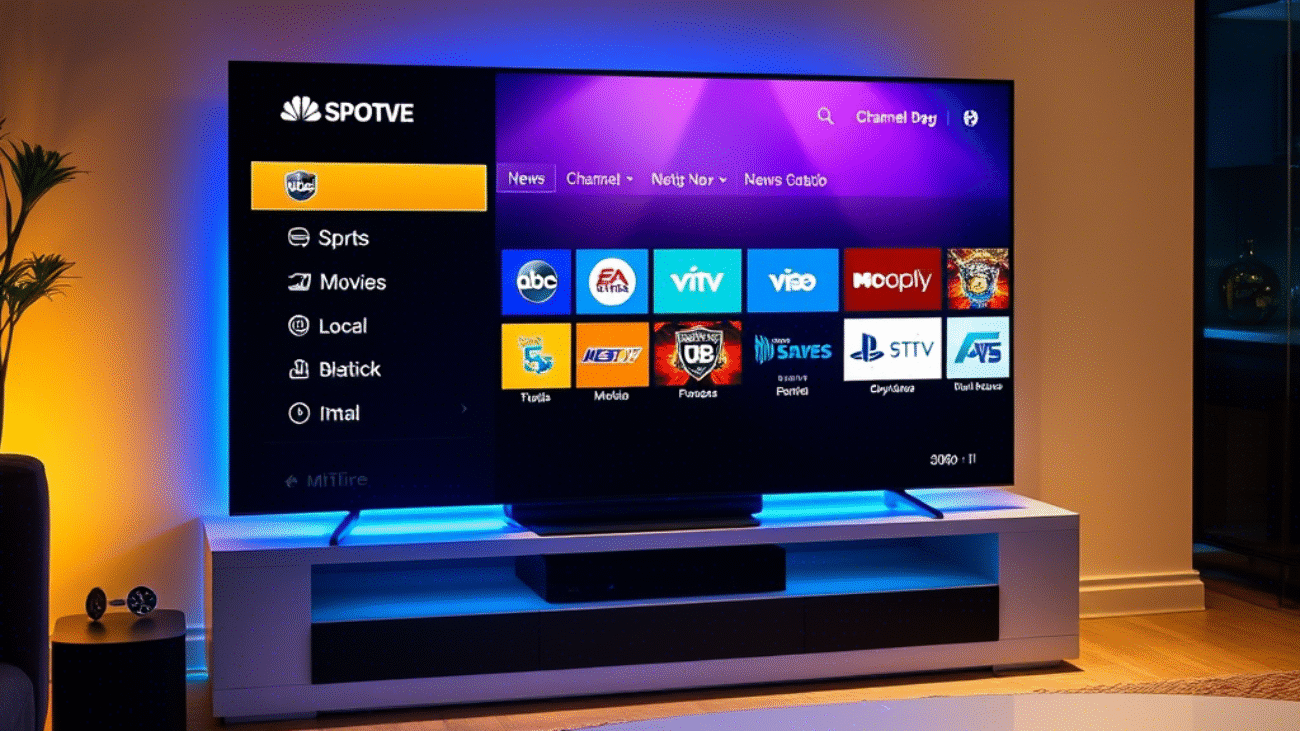
Customize Your IPTV Channel List Like a Pro
Understanding the IPTV landscape empowers you to tailor your viewing experience. Whether you’re into blockbuster movies, live sports, or local news, creating a personalized IPTV channel list is just a few clicks away. Ready to take control of your TV time?
The Technical Backbone of IPTV
To enjoy seamless streaming, it helps to grasp how IPTV works under the hood. Two major technical components shape your experience: the protocols IPTV uses and its packet-based delivery method. These ensure smooth playback—whether it’s a live game or your favorite show.
Key IPTV Protocols
IPTV relies on several core protocols to function efficiently:
- Internet Group Management Protocol (IGMP): Manages multicast group memberships for IPv4, enabling live TV streaming.
- Real-Time Streaming Protocol (RTSP): Delivers on-demand content like a digital waiter.
- Multicast Listener Discovery (MLD): Supports multicast functionality on IPv6 networks.
- Real-Time Messaging Protocol (RTMP) and Hypertext Transfer Protocol (HTTP): Help transmit both live and on-demand streams.
Together, these protocols ensure content is delivered quickly and reliably. For deeper insights, check out our IPTV Channel Guide.
Packet-Based Delivery Explained
IPTV transmits data using packets—compact, efficient data units that allow for:
- Video on Demand (VoD): Watch what you want, when you want.
- Interactive TV: Engage with shows through on-screen features.
- Live Streaming: Enjoy real-time broadcasts like sports events.
- In-Program Messaging: Receive live alerts during programs.
- Time Shifting: Pause, rewind, or replay missed content.
This technology also supports bundling IPTV with other services like VoIP and high-speed internet.
Setting Up with MAG IPTV Set-Top Boxes
MAG IPTV boxes simplify access to IPTV channels. With user-friendly interfaces and strong performance, these devices let you manage your channel list with ease.
Accessing Your IPTV Channel List
Once your MAG box is online:
- Navigate to the IPTV Channels menu from the home screen.
- Choose Add Channel.
- Input an M3U playlist URL or add individual channel info.
- Save your list.
That’s it—your personalized IPTV lineup is ready to go.
Creating Channel Groups
Organize your IPTV content like a playlist:
- Go to the Channels section.
- Select Create New Group.
- Name it (e.g., “Sports”, “Movies”, “News”).
- Add relevant channels to each group.
- Save and enjoy fast access to your favorites.
Managing and Customizing IPTV Channels
Adding Channels to Your MAG Box
There are two ways to load channels:
| Method | Description |
|---|---|
| Manual Entry | Add channels one by one via settings. |
| M3U Playlist Import | Upload multiple channels at once for efficiency. |
Both methods offer flexibility in creating a tailored IPTV experience.
Smart Playback Features
MAG boxes offer intuitive playback options:
| Feature | Benefit |
|---|---|
| Resume Playback | Pick up shows where you left off. |
| Channel Switching | Browse channels quickly. |
| Picture-in-Picture | Watch two programs simultaneously. |
Use the remote’s OK button to access the full channel list or playback controls with ease.
Fine-Tuning Your IPTV Setup
Grouping Channels for Better Navigation
Make your viewing experience seamless by organizing channels by theme or genre:
| Group Name | Included Channels |
|---|---|
| Sports | ESPN, NBA TV, Fox Sports |
| Movies | HBO, Showtime, Netflix |
| News | CNN, BBC, Fox News |
| Local Channels | ABC, CBS, NBC |
This approach keeps your channel list neat and your favorite content always within reach.
Enhanced Viewing Experience
Never miss a moment again. IPTV features like time-shifting and interactive TV ensure you’re always in control. Whether you’re exploring IPTV sports channels or relaxing with live IPTV broadcasts, a well-organized setup makes all the difference.
Frequently Asked Questions (FAQ)
Which IPTV Service Offers the Most Channels?
Kemo IPTV tops the list for the USA and Canada, offering over 149,000 channels and VODs, including 4K and 8K content (Updated: Jan 20, 2025).
How Can I Search for Channels on IPTV?
Most IPTV services feature search tools that allow you to look up channels by title, genre, or actor.
Is There an IPTV TV Guide?
Yes. An Electronic Program Guide (EPG) shows what’s currently playing and lets you schedule recordings or add favorites directly from the guide interface.
How Do I Add More Channels?
- Open the IPTV Channels menu.
- Click Add Source.
- Input the channel name, number, and other settings.
- Confirm with Add Source.
How Can I Favorite a Channel?
Navigate to:
Home > Menu > Settings > User Preferences > Favorite Channels.
Use the remote to highlight a channel and press OK to toggle it as a favorite.
How Do I Create a New Channel (on YouTube)?
- Go to YouTube Studio > Settings > Channel > Advanced Settings.
- Click Manage Your YouTube Account > Add or manage your channel(s).
- Choose Create a new channel, name it, and you’re set.